What this module is
The Ariada web demo is a product surface, not an engine:
it is a hosted React / Astro single-page application that wires the open-source
@ariada-org/core-engine (via the core-browser WebAssembly adapter)
directly in the visitor's browser tab. Enter a URL, choose compliance domains, press
Scan, and the full multi-domain report renders client-side — nothing leaves
the user's machine.
apps/web-demo. Every screenshot below comes
from the automated end-to-end Playwright harness, not from a design tool.
- Type
- Hosted web application (Astro + React, client-side scan)
- Where it lives
apps/web-demoin the monorepo; deployed toariada.org- What it runs
- The six OSS domain analyzers on the URL the visitor enters, executed entirely in the visitor's browser via the
core-browseradapter - Status
- Built and test-covered; deployment on
ariada.orgis a pre-launch gap
Who uses it & why
| Role | How they use it | Value |
|---|---|---|
| Developer / QA engineer | Quick live-URL check before a PR or release | High — zero install |
| Accessibility engineer | Audit any public URL across six domains, export JSON | High |
| Compliance reviewer | Verify a vendor or public-sector site against EAA-scoped rules | Medium-High |
| Non-technical site owner | One-click health check with plain plain-language findings | Medium |
The web demo is the widest top-of-funnel surface: anyone who reaches the ariada.org homepage can get scan results in under ten seconds without installing anything.
Distribution — free and open source
The web demo and the scan engine it runs are free and open source under the EUPL-1.2 licence. There is no account and no upload to run a single-URL scan across all six compliance domains.
| Capability | Availability |
|---|---|
| Single-URL six-domain scan in the browser | Free · open source |
| JSON export of findings | Free · open source |
| The scan engine, rule packs and EAA evidence emitters (npm) | Free · open source |
| Companion command-line tool for batch scans | Free · open source |
Getting started
- Discover —
ariada.orghomepage and npm. - First value — enter a URL, get a six-domain compliance report in seconds, no account required.
- Habit — use it for regular pre-release checks; export JSON; add the command-line tool for batches.
- Integrate — wire the scan into continuous integration with the companion Action.
ariada.org is not yet configured.
The application runs locally and in the test harness.
Documentation & help — current state
- Docs site
- An Astro Starlight site exists at
apps/docs; the web-demo needs a guide page covering URL input → domain selection → reading results → exporting JSON. - In-app help
- Tooltips per domain column are planned; currently absent.
- Recommended form
- A 90-second screencast walkthrough embedded on the demo page itself, plus a permissions / privacy note (client-side only, no upload).
AI chat & digital-adoption helpers — plan
- Inline AI assistant — "explain this finding", "show me the fix", "draft the accessibility statement" — triggered only on user action, kept off the deterministic scan path.
- First-run walkthrough — a guided tour for first-time visitors so non-developers understand each domain column.
Screenshots — click any image to open it full size
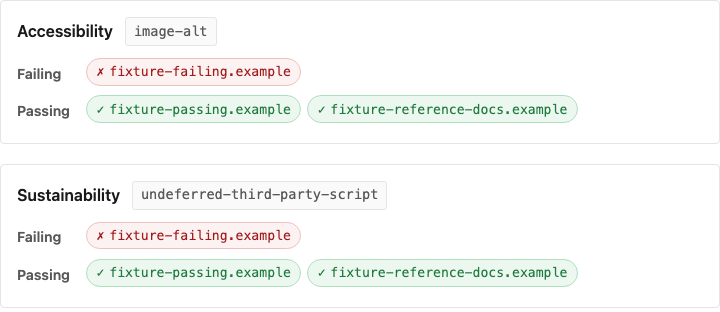
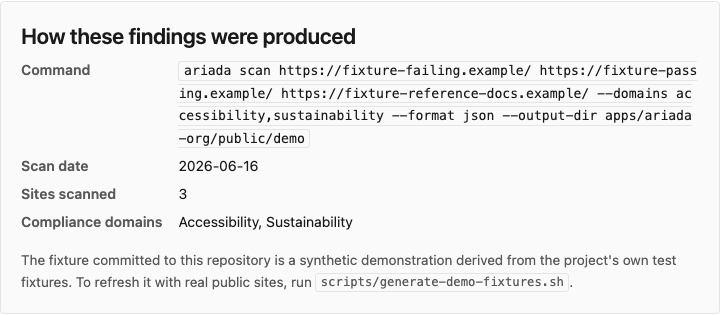
From the end-to-end Playwright harness. Each thumbnail opens a full-size, zoomable overlay.
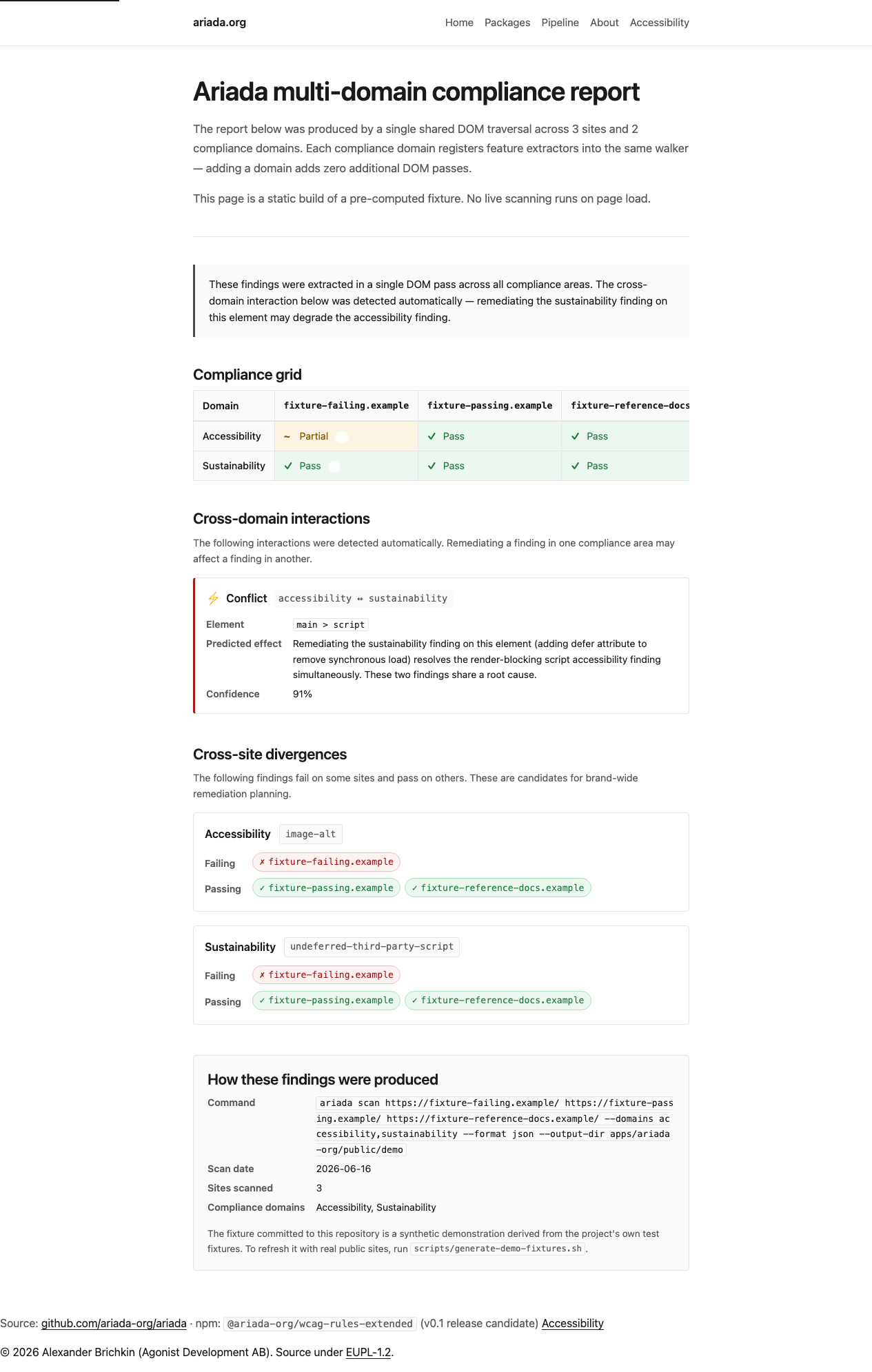
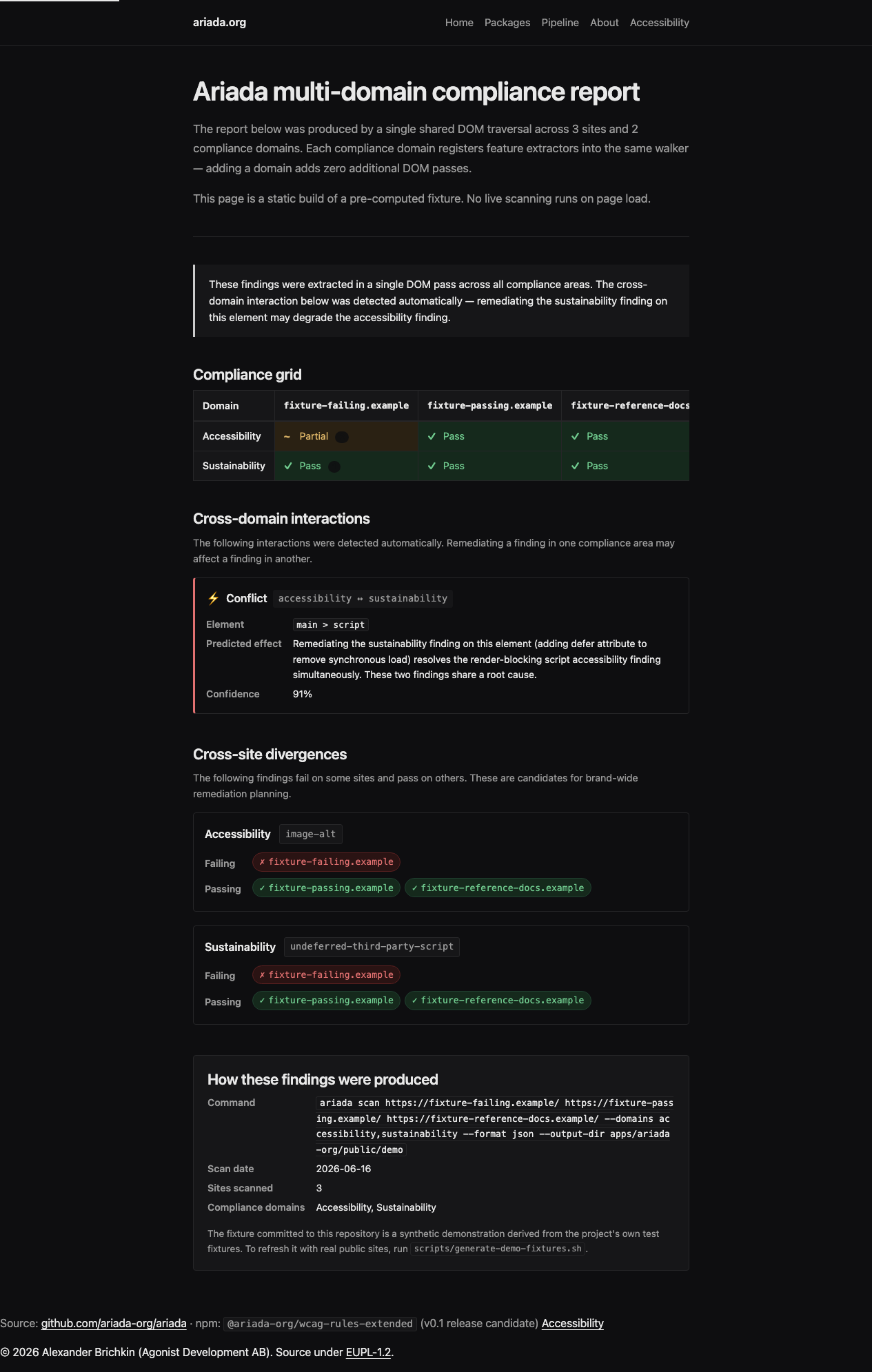

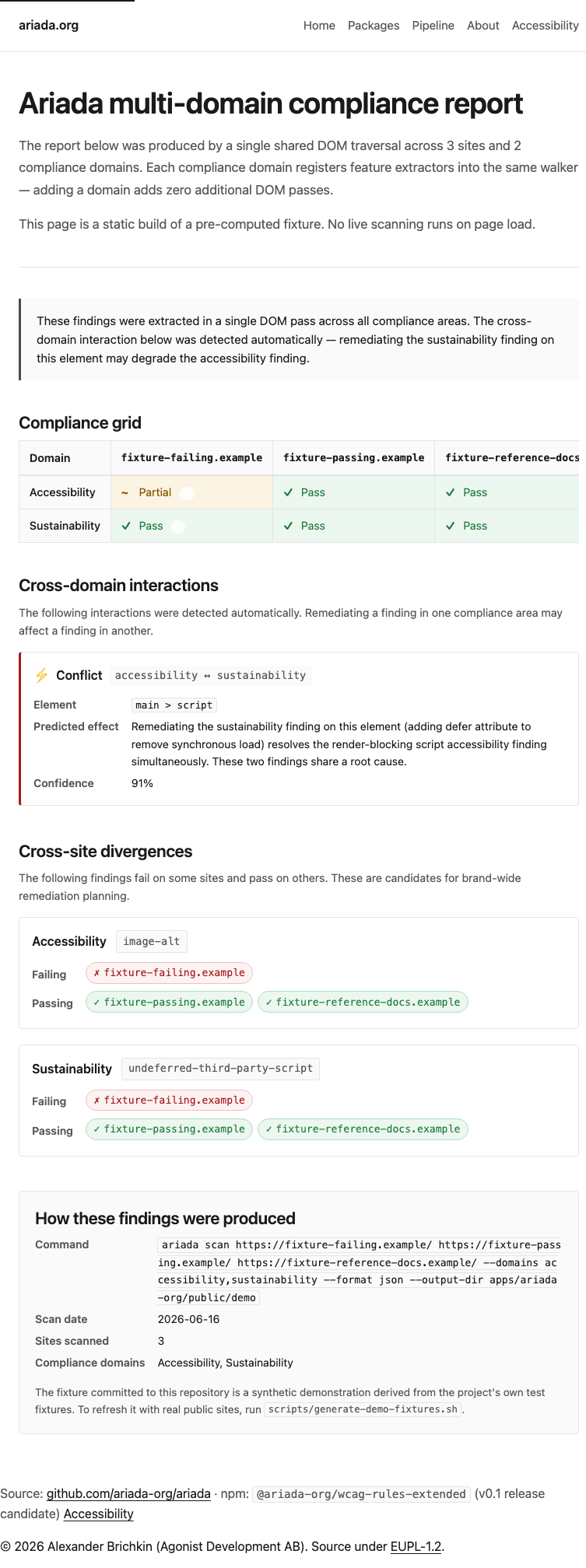

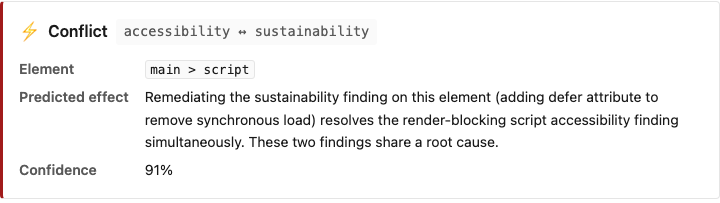
Assessment summary
Full assessment (2026 best-practice audit, competitor comparison, user pains, recommendations) is in assessment.html. Headline: the demo passes its own axe-core gate and adapts to mobile, dark mode, and reduced-motion preferences. Open gaps: ariada.org hosting not yet live; cross-origin URL scanning limited to public pages.